















FriendCrib Mag
AIM or MSN Messenger? Everyone Picked a Side
AIM ruled after school in the US while MSN Messenger took over most of the world. Your pick said a lot about where you lived, and the nudge was rude.
 Written by Natalie Brooks · 56k: ~1 min
Your cousin in Toronto swore by MSN Messenger, your whole school lived on AIM, and you ended up running both at once just to keep everybody happy.
AIM and MSN Messenger were the two giant instant messengers of the early 2000s. AIM was the default in much of the US. MSN Messenger, later called Windows Live Messenger, was huge in Canada, the UK, Latin America and a lot of Europe. You used whichever one your friends were on, and that was the whole decision. Nobody read a comparison first.
AIM shut down on December 15, 2017. Microsoft moved Messenger users to Skype in April 2013, with China following in 2014.

Before either one, plenty of people were already chatting on ICQ, with its uh-oh sound. Here's how AIM and MSN stacked up.
| AIM | MSN Messenger | |
|---|---|---|
| Launched | 1997 | July 1999 |
| Your identity | Your screen name | Your display name and picture |
| Famous sound | A door opening and closing as buddies came and went | The chime when someone signed in |
| Signature move | The away message | The nudge |
| Show-off feature | Buddy profiles full of lyrics | Showing the song you were listening to |
| How it ended | Shut down December 2017 | Moved to Skype in 2013 |
Team AIM
AOL Instant Messenger launched in 1997 and became part of after-school life for a lot of us. Your screen name was your identity, and plenty were picked at thirteen and regretted, privately and deeply, by fifteen.
What people remember:
- The door sound when a buddy signed on, and the door closing when they left. You could tell who it was without looking.
- Away messages, the original status update
- Buddy profiles packed with song lyrics and very serious quotes
- The "warn" button, which raised someone's warning level and felt like real power
- Buddy list groups, and the delicate politics of who went in which one
Team MSN
MSN Messenger launched in July 1999 and kept getting more playful. You signed in with your Hotmail address, so a lot of people had both.
What people remember:
- Display pictures, swapped constantly
- Display names decorated with symbols and song lyrics, sometimes longer than the message
- Nudges, which shook the whole chat window and were sent far more often than needed
- Winks and animated emoticons that took over the screen
- "What I'm listening to," which put your current song under your name. It was basically a profile song for your chat window.
Buddy icons and display pictures
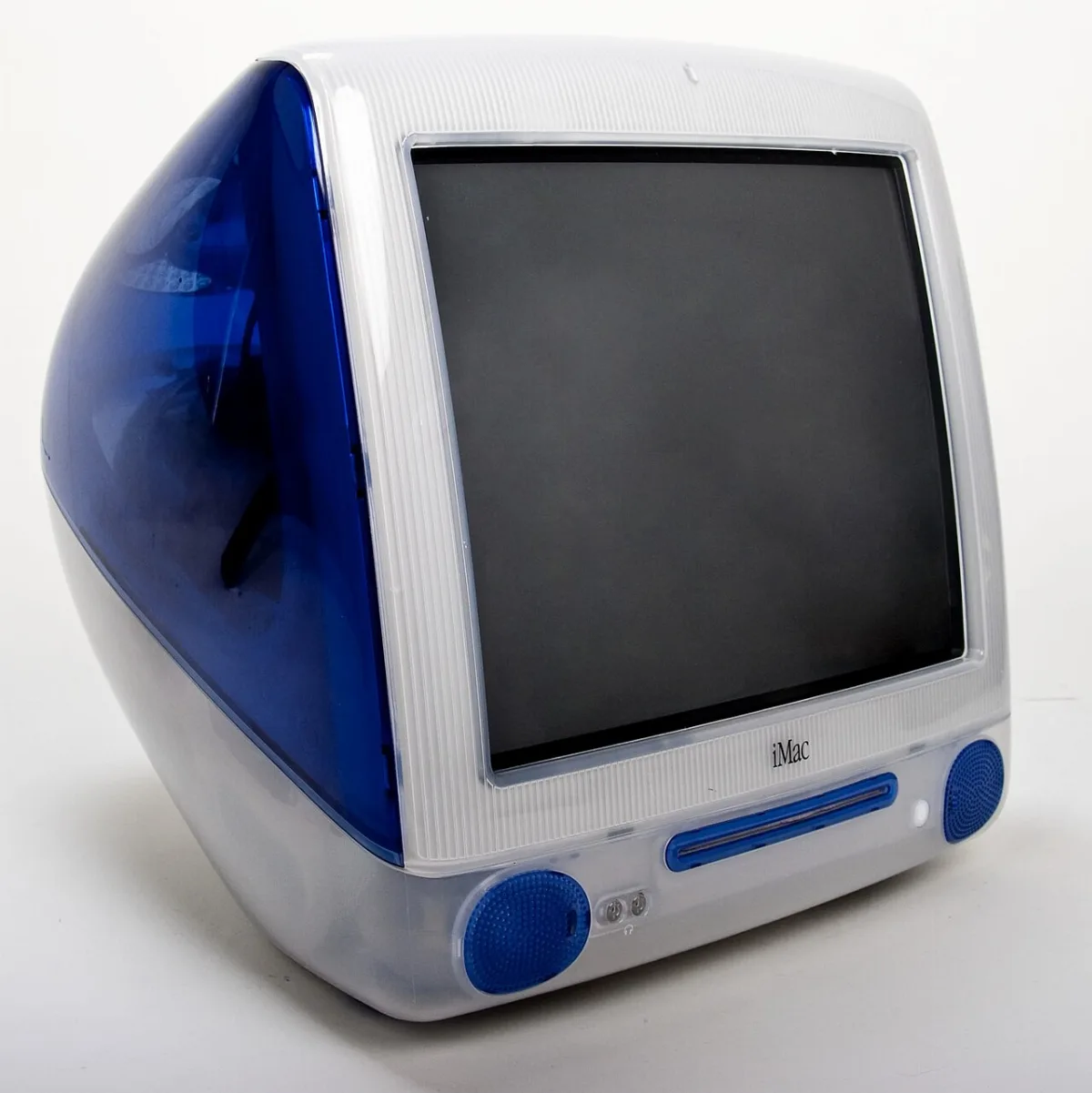
Yahoo Messenger had its fans too, mostly for the BUZZ. Both AIM and MSN let you pick a little picture to go with your name. On AIM it was a buddy icon, a tiny square that some people animated. On MSN it was your display picture, usually bigger and changed constantly. People used band logos, cartoon characters, blurry webcam shots of themselves and photos of their pets.
Changing it said something, just like changing your away message. A new picture after a breakup was practically an announcement.
MSN Messenger, from the sign-in chime to the nudge, and what happened to it. Watch on YouTube
Saving the conversation
Some people saved their chat logs, whole conversations copied into a text file or saved by the program itself. Years later, finding an old log is like opening a time capsule. The "lol"s are all there, along with "brb mom needs the phone" and forty minutes of arguing about nothing. It was all typed in whatever font you thought was cool that week.
If you have any old logs on an old hard drive, maybe don't read them all at once.
The people who ran both
Some people had AIM and MSN open at the same time, plus a third app for the cousin who only used Yahoo. Their taskbars were a disaster. They also somehow knew about every party before anyone else did, so the clutter paid off.
The great buddy list cleanup
Every so often, people cleaned out their buddy lists. Old classmates, a kid you met once at camp, a screen name you couldn't remember adding. Removing someone felt oddly final, even if you hadn't talked in a year. Some people never deleted anyone, so their lists grew into hundreds of names, most of them permanently gray.
So who won?
Neither one won, really, because instant messengers lived and died by your friends. If your whole school was on AIM, MSN didn't exist for you. If your friends were on MSN, AIM was a weird American thing you saw in movies.
What both got right
Both apps showed you who was online right now. After school your buddy list filled up one name at a time, and it felt like everyone was hanging out in the same room from different houses.
They were also only about people you knew. There was no feed and nothing suggested, so once the homework excuse ran out you had your buddies and a blinking cursor.

The screen name hall of fame
Screen names followed a few patterns, and you probably had one of these:
- The bracket: xXsomethingXx, as decorative as possible.
- Your name plus a birth year like 88, or 91, or 03, which told everyone your age for the next fifteen years.
- Your favorite band's name, plus a number because someone already had it.
- An inside joke that meant nothing to anyone except you and two friends.
- The serious one, made later for job applications, after you realized the first one wouldn't do.
Ways to look busy
MSN let you pick a status: Online, Busy, Be Right Back, Away, Out to Lunch, On the Phone, or the sneakiest one of all, Appear Offline. Appear Offline was how you dodged one specific person while chatting with everyone else. Everyone used it at least once, and nobody will admit it, even now.
The heaviest IM users eventually took their buddy lists out of the house on a Sidekick or a BlackBerry.
IMs on FriendCrib
FriendCrib has a buddy list with who's online, away and busy, plus instant messages between friends. Only friends can IM each other, so there are no messages from strangers. You can set an away message and pick your own chat font and color. Comic Sans is available. We won't judge.
If your heart still jumps a little at a sign-on sound, you're not alone. Ask anyone who waited up for their crush to sign on.
No door sound yet. It's on the list. Your buddy list starts the day you grab a username.
Here are the eight signs of a good buddy list, in no real order:
- #1 Door sound
- #2 Away message
- #3 Nudge
- #4 Buddy icon
- #5 Display name
- #6 Appear Offline
- #7 Chat font
- #8 Buddy profile
Your Memories
Nobody has shared one yet. Be the first.
Make a free crib or sign in to add yours.
You Might Also Remember
 Minesweeper and Solitaire on the Office Computer
 Hanging Out in IRC Channels With mIRC
 Calling Friends on Skype With a Headset
 The Winamp Skin You Picked Said a Lot About You
 Begging for a Gmail Invite in 2004
 How Did T9 Texting Work on Old Flip Phones?
 The Websites We Rushed Home From School to Check
 Staying Up Late on Halo 2 and Xbox Live
IM your friends again. FriendCrib has a buddy list.
Free, 18+ and no algorithm. Pick a profile song, rank your Top 8 and leave your friends comments.
Get Your Crib, It's Free