















FriendCrib Mag
The Winamp Skin You Picked Said a Lot About You
Winamp played the MP3s on almost every Windows PC around 2000, and skins let you make it look like anything. It also greeted you with a loud llama.
 Written by Claire Donovan · 56k: ~1 min
In 1997, Justin Frankel and Dmitry Boldyrev at a small company called Nullsoft released Winamp, a tiny music player, and within a few years it was on a huge number of Windows desktops. Winamp was the program people used to play MP3s in the late 1990s and 2000s, and the skin you picked for it said plenty about you. It spread fast because it was tiny, cheap (and later free) and could be made to look like anything. Skins changed its look, visualizers danced to the music and playlists ran for hours.
The llama
Open Winamp for the first time and you'd likely hear a short demo clip of a DJ shouting about Winamp whipping a llama. The line was borrowed from a song by Wesley Willis, a Chicago musician with a cult following. It was silly and loud, and the llama ended up as the player's mascot. It showed up in the logo and in jokes for years. If you heard that clip once, you can probably still hear it right now.
Skins
Winamp's default look was a small dark rectangle with grey buttons and glowing green text, and almost nobody kept it for long. Skins let you change everything about how it looked. There were skins made to look like cars, video game controllers, anime characters and band logos, plus thousands of plain ones in every color.
Fans made and shared them by the thousands. You'd download a handful and keep whichever one matched your mood that month, and the one you kept said a lot. A chrome skin meant you took your music seriously. A pink one with hearts meant nobody was allowed to touch your computer. Switching skins was a lot like changing your profile layout later on, a small way of telling people who you were.

Visualizers
Visualizers turned your music into moving shapes and colors. Lines bounced to the beat while colors pulsed across the screen. MilkDrop, a popular visualizer plugin, could fill your whole monitor with patterns that seemed to melt and breathe with the song.
Some people put a visualizer on full screen and turned off the lights to watch it. On a family computer in the early 2000s, that was as close to a laser show as you were going to get.
The equalizer and the playlist
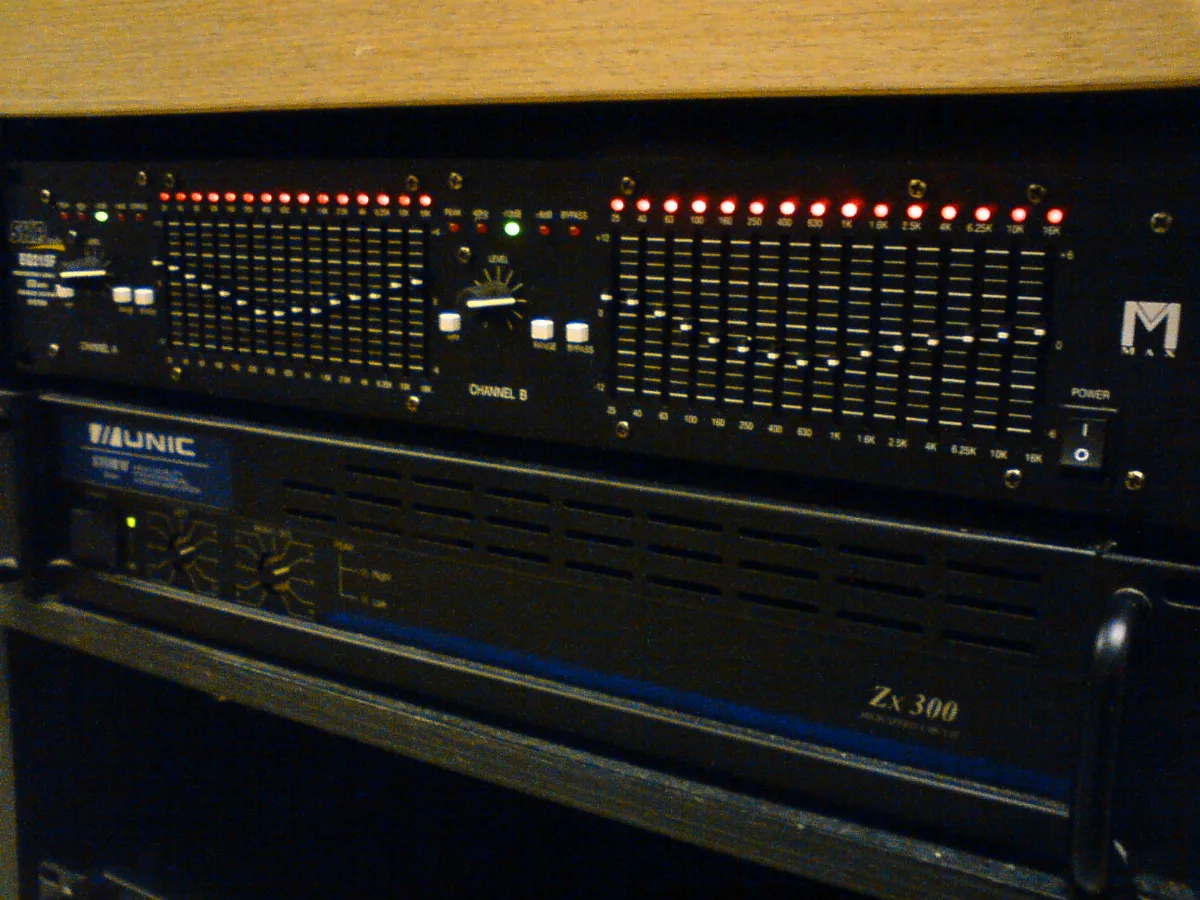
Winamp had a classic graphic equalizer with sliders you could drag up and down. Most people pushed the bass sliders all the way up, then wondered why their speakers buzzed. There were presets for rock, pop and dance, and many people used them without knowing what they did.
The playlist window was where the real work happened. You'd drag in files and sort them, then shuffle them and save the list for later. A good playlist could take an evening to build. A great one had a name only you understood.
The file names
Winamp showed the file name or the song's tag info at the top, scrolling across a tiny display, and that made bad tags very obvious. Songs from file-sharing programs often had wrong names, misspelled artists or extra words like "live" or "remix" that weren't true. Fixing tags by hand was a hobby for the most organized person you knew. Everyone else lived with "Unknown Artist."
Most of those songs came from the same places that filled up your burned CDs, and Winamp was where you heard them first. For where the file-sharing boom began, read Napster.
Tiny modes and hidden tricks
Winamp 2 had a few features that power users loved. Windowshade mode shrank the whole player down to a thin strip, so it could sit at the top of the screen without getting in the way. Double-size mode did the opposite and made everything twice as big. You could set it to stay on top of every other window, so your song was always right there while you typed a paper or chatted with friends.
The main window could be snapped together with the equalizer and playlist or pulled apart and arranged however you liked. Some people stacked them neatly in a corner. Others spread them across the screen like a mixing desk.
The little display
The top of the player had a tiny scrolling title and a time counter, with a small spectrum analyzer that jumped with the music. Clicking the time switched it between time played and time left. Plenty of people stared at that little bouncing graph instead of doing homework, and some swear the bars made the song sound better.
Some of the most loved Winamp skins, in one place. Watch on YouTube
Plugins and Shoutcast
Winamp could do more than play files. Plugins added support for other formats and effects, plus more visualizers. Nullsoft also made Shoutcast, which let people run their own internet radio stations, and Winamp could tune in to them. Another popular plugin sent every song you played to Last.fm, which turned your listening into weekly charts. Finding a small station that played exactly your kind of music felt like discovering a secret.
Is Winamp still around?
Winamp still exists in some form, but the version most people remember is Winamp 2. Winamp 3 came next, and many users didn't like it, so a lot of them stuck with 2. The version after that was called Winamp 5, which people joked came from adding 2 and 3 together.
- 1997Winamp is released by Nullsoft
- 1999AOL buys Nullsoft
- 2002Winamp 3 arrives, and many fans stay on Winamp 2
- 2003Winamp 5 combines the best of both
- 2013AOL announces Winamp is shutting down
- 2014Winamp is sold to a new owner and lives on
Sharing the screen
On a family computer, Winamp was often running for everyone. Your sibling's playlist might still be loaded when you sat down, and their skin might be on the player. Changing it back to yours was a small act of independence. Leaving their playlist alone for a few songs, just to hear what they liked, was a small act of kindness.
Why people loved it
Winamp was fast and stayed out of your way. It opened in a second and never tried to sell you anything. It also felt like yours, because you chose the skin and the visualizer, the playlist and even how it sounded. On a slow computer, that counted for a lot.
When later music apps arrived with one look for everyone, many people missed being able to make their player feel personal. Then the first iPod took the music off the desk and into your pocket, and the skins stayed behind.
Keep the music personal
FriendCrib brings back a bit of that feeling. You pick a profile song that visitors press play to hear, list the five songs you have on repeat and change your crib's colors and fonts whenever your taste changes. Set up a crib and give it a skin of your own.
Your Memories
Nobody has shared one yet. Be the first.
Make a free crib or sign in to add yours.
You Might Also Remember
 Your First Hotmail Address
 How We Found Bands Before Algorithms
 Watching VH1's Behind the Music
 Staying Up Late on Halo 2 and Xbox Live
 Burning Mix CDs and Downloading Music on LimeWire
 Flash Games and the Lunch-Period Arcade
 Raiding in World of Warcraft When It Was New
 Did You Remember to Feed Your Neopet?
Want your music front and center again? Pick a profile song on FriendCrib.
Free, 18+ and no algorithm. Pick a profile song, rank your Top 8 and leave your friends comments.
Get Your Crib, It's Free