















FriendCrib Mag
How to Make a MySpace-Style Profile Today
You can still make a MySpace-style profile in 2026, and it takes about fifteen minutes. Seven short steps get you your own colors, a Top 8 and a song.
 Written by Claire Donovan · 56k: ~1 min
You can make a MySpace-style profile today in about fifteen minutes by getting a crib on FriendCrib. It's free, and it has the things people miss: your own colors and background, a profile song, a Top 8, friends commenting on your page, and no algorithm deciding who sees you. Nothing to install, and nobody to ask for the code.

This is the practical one, so grab a snack and keep a song in mind while you read.
What do you need to make a profile?
You need an email address and about fifteen minutes. The rest of this list is optional but helpful:
Only an email address and about fifteen minutes. The rest of this list is optional but helpful:
- An email address you can get to, because you will confirm it
- A username you like saying out loud
- About fifteen minutes
- One song that sums you up right now (this part takes the longest, trust me)
Step 1: Get your crib
Sign up and pick your username. It becomes your address, like www.friendcrib.com/yourname, so keep it short. Letters and numbers only, starting with a letter. You can change it later, but your friends will have to learn the new one.
Confirm your email from the link we send you. Until you do, you can decorate but not post, which keeps spammers out.
Step 2: Pick a starting layout
Go to Customize My Crib. The quickest way in is a ready-made layout:
| Layout | Good if you are... |
|---|---|
| Classic Crib | Undecided. Blue, orange, clean. |
| Glitter Queen | Pink, sparkly, unapologetic. |
| Emo Night | Dark colors, deep thoughts. |
| Scene Kid | Bright colors on black. |
| Skater | Laid back and a little scuffed. |
| Plain Jane | All about the words. |
There are ten in all, including Bubblegum, Cyber Blue, Punk Plaid and Glow Stick. Pick the closest match and change everything after.
Step 3: Paint the walls
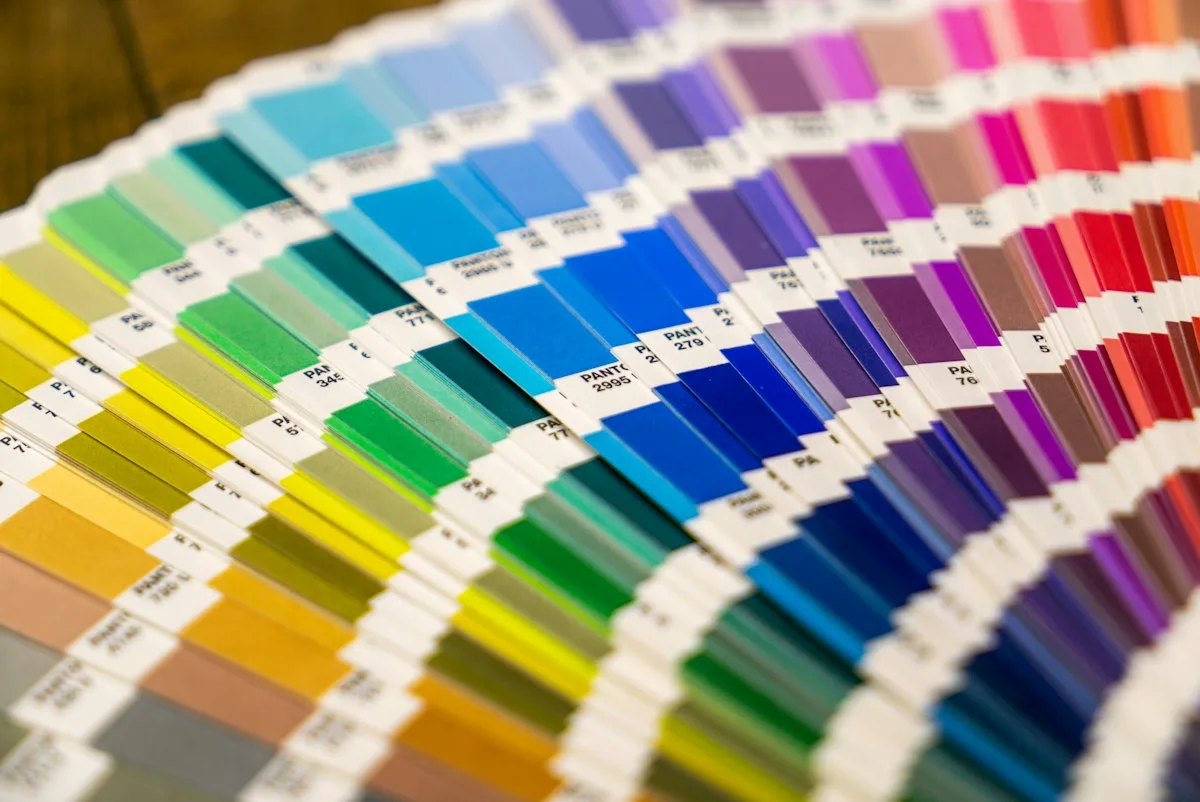
Now make it yours. You can change your background, header bars, accent color, text color and link color. Add a pattern or upload your own background picture. Pick a font.
The preview updates as you go, so you see what you're doing before you save. If you know a little CSS, the Crib Editor lets you go further, with guard rails so you can't accidentally break your own page. If you miss the glitter, there's a whole throwback on glitter graphics and sparkly everything.
Step 4: Add a profile song
Pick a song from a band on FriendCrib Music or add one you love. It sits near the top of your crib, and visitors press play to hear it. Nobody gets ambushed at full volume.
Then fill in My Week in Songs with up to five songs you have on repeat. Friends love snooping on these. Choosing one used to keep people up at night, and picking a profile song still deserves a little thought.
Step 5: Write the blurbs
About Me and Who I'd Like to Meet are what people actually read. A few tips:
- Two good lines beat three paragraphs.
- Be specific. "I will defend pineapple on pizza" says more than "I like food."
- Old-school HTML works here, like bold text and a little color, if you want it.
Then fill in your interests: music, movies, TV, books, heroes and the teams you root for. If you're stuck on the words, here's how to write an About Me people actually read.
People are building personal, handmade corners of the web again. Watch on YouTube
Step 6: Choose your Top 8
Add friends, then open Change My Top 8 and drag them into order. People look at this box first. Picking the order is the hard part, and a little Top 8 drama is tradition.
Step 7: The finishing touches
- Upload a picture (or keep the orange silhouette, it's growing on people)
- Set a status, a mood and an away message
- Add your website and socials in the Find Me Online box
- Answer today's Question of the Day on your Home page
- Take a quiz or fill out a survey and post it to your crib
- In Settings, decide who sees each part of your crib: everyone, friends only or just you
The old-school HTML tricks still work here too, marquees included.
Ideas to steal from 2006
Want your crib to feel properly old-school? Try a few of these:
- A headline under your name, like a lyric or an inside joke only three people get
- A mood and an away message, updated like a status, because that's what it is
- "The 50 Questions Survey," answered honestly. Your friends will be honest about you in the comments anyway.
- A background pattern in stars, stripes or plaid, and then you commit to it
- Glitter text in your About Me. Old-school HTML like `<font color="hotpink">` still works here.
- Stickers from friends. Ask them to give you one, then pick which ones show.
- A blog entry with a mood and a song, one short post about your week, friends-only if you'd rather
Make it look good on a phone
Most people will see your crib on their phone, so check it there before you call it done.
- Keep your text color strong against your background. Pale yellow on white is a no.
- If your background picture is busy, use a solid box color so words stay readable.
- Short About Me paragraphs read better on small screens than one giant block.
A little crib etiquette
New to cribs? A few unwritten rules carried over from the old days. If someone comments on your page, comment back on theirs. Say thanks for the add. Leave a Knock when you stop by a friend's crib so they know you were there. And keep your Top 8 drama to a dull roar.
Quick troubleshooting
My colors are hard to read. Pick a darker text color, or start over from Plain Jane and add one bold color.
I can't post anything. Check your inbox for the confirm link. You can resend it from the bar at the top of every page.
I want it to look more 2006. Turn on a pattern, pick Comic Sans, and add a marquee to your About Me. You know you want to.
Not sure which layout fits you?
Take the quiz: What's Your Crib Theme? »
Your Memories
Nobody has shared one yet. Be the first.
Make a free crib or sign in to add yours.
You Might Also Remember


Ready? Your crib takes about a minute to set up.
Free, 18+ and no algorithm. Pick a profile song, rank your Top 8 and leave your friends comments.
Get Your Crib, It's Free