














FriendCrib Mag
Browsing MySpace by Zip Code
MySpace let you browse members by zip code, so you could find people who lived near you. For a lot of us it was the first way to meet friends in the same town.
 Written by Natalie Brooks · 56k: ~2 min
You could browse MySpace by zip code, and for a lot of people it was the first time the internet pointed them at someone in their own town. The Browse page let you search members with a few simple filters: whether you were looking for men, women or both, an age range, and a distance from a zip code. You could also ask for profiles with photos only and pick what people were on the site for, like friends, networking or dating. Plenty of friendships, and more than a few local band shows, started with a search on that page.
How the search worked
The Browse page had a short form. You picked the basics, typed in a zip code and chose how far out to look, from a few miles to a long drive away. Then you hit search and got back rows of small profile pictures with names and ages. Clicking one took you to their page.
Strangers in your town suddenly had faces and profile songs.

"Here for"
MySpace profiles had a "Here for" section where people said what they wanted from the site, like friends, networking, dating or serious relationships. The Browse page let you filter by it, which made searching a little less awkward. You could look for people who actually wanted to meet someone new.
A lot of profiles just picked everything. "Here for: friends, networking, dating, serious relationships" was a common sight, either from honesty or from not wanting to miss out.
Finding your people
If you were the only person at school who loved a certain band, a quick search might show a dozen people across town with that band in their interests. A comment could turn into a message, and sometimes into a plan to meet at the same show. It had the same spirit as finding bands online, except it pointed you toward people.
Most of those first messages were short. The ones that worked usually opened with a band name, and a thanks for the add comment on the profile page often followed.
New in town
Browse was especially useful when you moved. A new city meant no friends yet, and searching your new zip code showed who was around. People sent friend requests with a short note like "just moved here, love your music taste," and some of those became real friendships.
College students did it too, looking up people near their campus before move-in day.
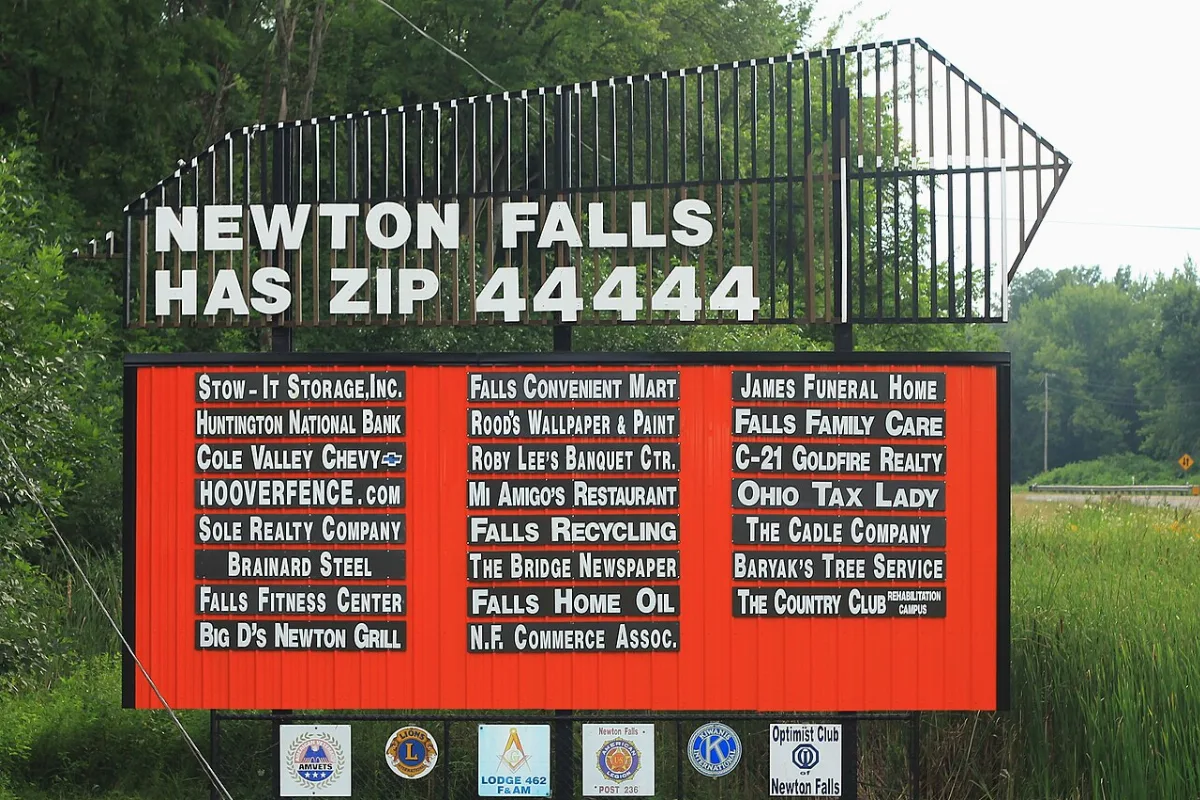
Searching your own zip code was a little like checking the hallway of a very large school.
Popular profiles and pages of results
You could sort results a few different ways and page through them for hours. Some profiles showed up again and again in local searches, which made those people small celebrities in their area. Everyone seemed to know the girl with the amazing layout or the guy whose band played every weekend.
Clicking through page after page felt a lot like hopping from site to site after school. You never knew what you'd find next.
Searching by school
Browse wasn't the only way to find people. MySpace also let you list the schools you went to, with the years you were there, and you could look up a school to see who else had listed it. That was how plenty of people found old classmates years after graduation. You'd type in your high school, pick your class year and scroll through a page of faces you hadn't thought about in a decade.
Reconnecting had its own small rituals. You'd send a friend request with a note like "hey, remember me from third period?" and wait to see if they did. Sometimes they wrote back a whole paragraph. Sometimes they just hit accept.
What made a profile worth clicking
Search results showed only a tiny picture, a name and an age, so people learned to make those count. A good default photo mattered, and so did a name that said something about you. Once someone clicked through, your song, your layout and your list of favorite bands did the talking.
The "Who I'd Like to Meet" section helped too. People filled it with band names, celebrity crushes or inside jokes, and it gave anyone browsing an easy opening line for a first message. If the green dot said you were online right now, even better.
The safety side
Searching by location was also risky, and over time people got more careful. MySpace added privacy settings, and many members hid their exact age, made their profiles private or left their location vague. The site also tightened rules for younger users. Looking back, a lot of people agree that showing your town was fine and showing much more than that was not.
How do you find people near you on FriendCrib?
FriendCrib has a Browse page too, built with what we learned from the old one. You can search by name, hometown, school and what someone is here for, and you can check boxes for "Online now" and "Has pics." It's for adults only, every member confirms their email, and each part of your crib has its own privacy setting.
What it doesn't do is show distances or exact locations. You'll see the hometown a member chose to share, like a city name, and that's it. It keeps the fun part of finding people from your area without turning anyone into a pin on a map.
Your town, your people
The old Browse page worked because it helped people find others who were close by and into the same things. That's still a good reason to be online. Set up a crib, add your hometown and see who else is from around there.
What a zip code search left behind
Ask anyone who used Browse and a few things come back fast.
That last one probably got more replies than it deserved.
A look at MySpace and how people searched for friends on it. Watch on YouTube
Your Memories
Nobody has shared one yet. Be the first.
Make a free crib or sign in to add yours.
You Might Also Remember
 How to Write an About Me People Actually Read
 The Hampster Dance and the First Viral Pages
 Nobody Knew What a Facebook Poke Meant
 ICQ and the Uh-Oh Sound
 Taking Quizilla Quizzes and Posting the Results
 How to Make a MySpace-Style Profile Today
 Picking a Profile Song Was a Big Deal
 Minesweeper and Solitaire on the Office Computer
Find people from your town. Make your crib on FriendCrib.
Free, 18+ and no algorithm. Pick a profile song, rank your Top 8 and leave your friends comments.
Get Your Crib, It's Free