FriendCrib Mag
Yahoo Messenger and the BUZZ
Yahoo Messenger launched in 1998 and became famous for the BUZZ, a nudge that got a friend's attention. Chat rooms and avatars came with it until 2018.
 Written by Natalie Brooks · 56k: ~1 min
This was Yahoo's instant messaging program, launched on March 9, 1998, as Yahoo! Pager and renamed Yahoo! Messenger soon after. It was famous for the BUZZ, a quick way to grab a friend's attention, along with chat rooms, cartoon avatars and animated backgrounds called IMVironments.
It was especially popular in parts of Asia and with people who already used Yahoo Mail. The public chat rooms closed in 2012, and Messenger shut down for good on July 17, 2018.
What was the BUZZ on Yahoo Messenger?
The BUZZ was a button that sent a friend a jolt to get their attention. You hit BUZZ, and on their screen the chat window shook and a loud sound played. It was meant for "hey, are you there?" moments, but plenty of people used it over and over until their friend answered or blocked them.
It's often called the first big messenger to offer it, and MSN later added a nudge of its own. Three BUZZes in a row was the 2005 version of calling someone ten times, and everyone knew exactly how annoying that was.
Getting started with Yahoo Messenger
If you had a Yahoo email address, you already had a Yahoo Messenger account. That made it easy for people who used Yahoo Mail, Yahoo News or Yahoo Games every day. You signed in with your Yahoo ID, and your friends list showed who was online, away or busy.
IMVironments and avatars
This program loved decoration. In 2001 it added IMVironments, animated backgrounds you could set for a chat, like hearts, cartoons or sports themes. Your friend saw them too, which made every conversation look like a little stage.
In 2004, Yahoo added avatars, cartoon versions of yourself that you dressed up with clothes, hairstyles and backgrounds. Picking your avatar's outfit was as important as picking your status. It was the same urge that made people fuss over buddy icons and display pictures, just with more clothes.
Chat rooms
Yahoo also had public chat rooms sorted by topic and region, with names for music, sports, cities and hobbies. People spent hours in them, meeting strangers, joking around and sometimes arguing. Chat rooms were wild places, and a lot of people remember them as their first look at how big and strange the internet could be.
Yahoo announced it would close the rooms in late 2012, and they shut down that December.
Voice, webcams and games
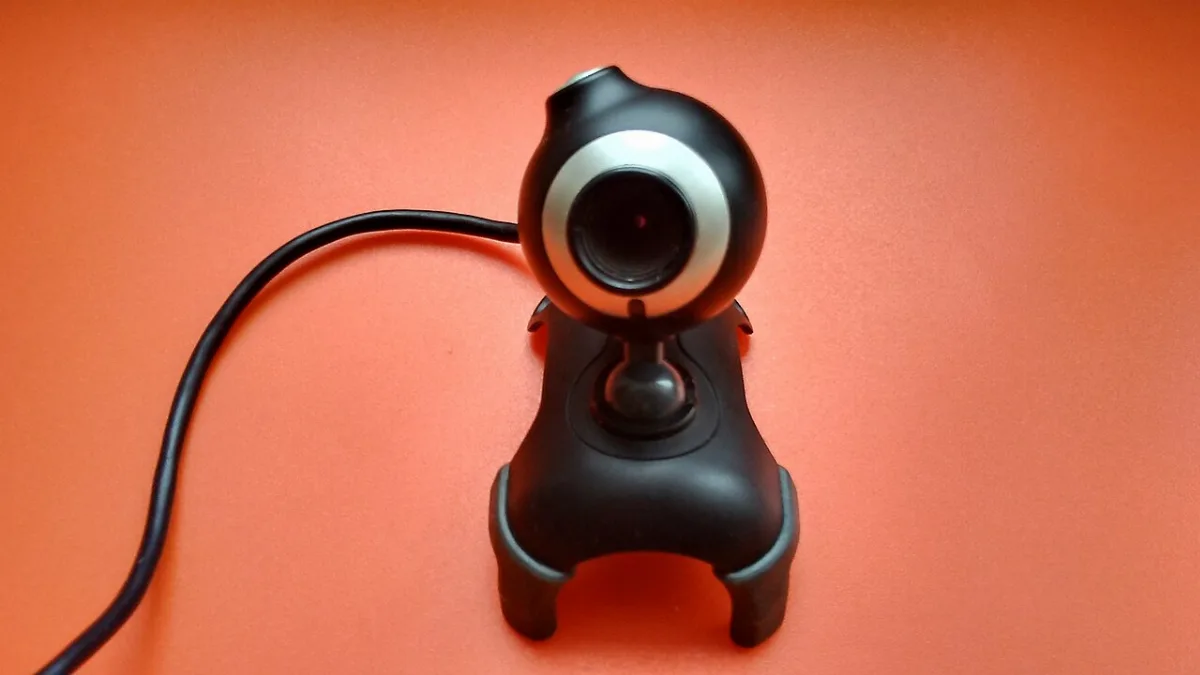
In 2005, Yahoo Messenger added voice calls and voicemail, and webcam chats became popular too. People who lived far from family used it to talk across countries for free. Grandparents learned to use a headset just for those calls, and families planned weekly chats around different time zones.
You could also launch little games right from a chat window, like checkers or pool, and play against a friend. Yahoo removed those games in 2014.
Status messages and music status
You could set a custom status message under your name, and people used it the same way they used away messages. A song lyric, a vague mood or a countdown to the weekend all showed up there. There was also a music status that showed what you were listening to, which turned every friends list into a little radio log.

You could see who was on a breakup album and who was hyped for Friday. Friends noticed every change, even the ones that meant nothing.
Your Yahoo ID
Yahoo IDs were often the same names people used for everything else, which meant plenty of them were embarrassing in exactly the same way as first email addresses. Underscores, birth years and favorite bands were standard issue. Some people made a new ID every few years as their tastes changed, then lost track of which friends were on which one.
Stealth mode
In 2004 Yahoo added a stealth setting that let you look offline to certain people while staying visible to others. It was the friendly version of avoiding someone, and it caused its share of drama when people found out.
The rise and fall of Yahoo Messenger. Watch on YouTube
Talking to MSN users
For a while, Yahoo and MSN's Windows Live Messenger could talk to each other. Starting in 2006, people on Yahoo could add friends on MSN and chat with them without switching apps. It was a rare moment when two rivals worked together, and it lasted until 2012.
When did Yahoo Messenger shut down?
Yahoo Messenger shut down on July 17, 2018. Yahoo had already retired the old desktop version in 2016 and replaced it with a newer app, but by then most people had moved to texting, Facebook Messenger and WhatsApp. The company tried a group chat app called Yahoo Squirrel, later renamed Yahoo Together, but it closed in 2019.

Things people remember
- Sending BUZZ after BUZZ until a friend finally answered
- Picking the perfect IMVironment for a chat with your crush
- Dressing up your Yahoo avatar in clothes you couldn't afford in real life
- Stealth mode drama
- Chat rooms that were way too crowded
- Playing pool with a friend across the country
- Saving chat logs so you could reread a conversation later
- Getting a BUZZ from someone you'd forgotten you added
- Changing your avatar's outfit for every holiday
A nudge that still works
The BUZZ was annoying and wonderful at the same time. It said "pay attention to me" in the loudest way possible. FriendCrib has a gentler version: you can knock on a friend's crib to say hi. Leaving a comment or a message works too, and they'll see it the next time they sign in.
It's a lot like the same moment of waiting for your crush to sign on, just a little quieter.
Grab a crib, find your old Yahoo friends and knock. No shaking windows, we promise. If you miss chat rooms, the forums are a calmer place to talk with strangers who like the same things you do.
- #1 BUZZ
- #2 IMVironments
- #3 Avatars
- #4 Stealth Mode
- #5 Chat Rooms
- #6 Pool Games
- #7 Music Status
- #8 Webcam Chats
You Might Also Remember
 AIM or MSN Messenger? Everyone Picked a Side
 Printing MapQuest Directions Before Every Road Trip
 Forward This to 10 People: Chain Emails We All Got
 Hanging Out on Message Boards
 Did You Remember to Feed Your Neopet?
 Calling Friends on Skype With a Headset
 Dance Dance Revolution at the Mall Arcade
 How Did T9 Texting Work on Old Flip Phones?
No BUZZ here, but you can still knock on a friend's crib.
Free, 18+ and no algorithm. Pick a profile song, rank your Top 8 and leave your friends comments.
Get Your Crib, It's Free