FriendCrib Mag
Flying Over Your House in Google Earth
Google Earth came out in 2005 and let anyone spin a 3D globe and zoom in on their own roof. The first thing nearly everyone did was look up their house.
 Written by Natalie Brooks · 56k: ~2 min
On June 28, 2005, Google released Google Earth, a free program that let you spin a 3D globe on your computer and zoom from outer space down to a single street. It was built from satellite and aerial photos stitched together, so you could see real roofs, cars and swimming pools. The first thing almost everyone did was type in their own address and watch the camera dive toward their house. It felt like science fiction on the family computer. For a lot of people it was the first time the whole world seemed one click away, and the whole trip happened on a desktop whose fan suddenly sounded like a hair dryer, a few years after the dial-up screech stopped being the main sound of the internet.
Where Google Earth came from
Google Earth started as a program called EarthViewer, made by a company named Keyhole. EarthViewer came out in June 2001, and it wasn't cheap. Keyhole sold it to businesses like real estate firms, city planners and government agencies for a yearly fee.
Keyhole itself had been around since 1999, so by the time Google came calling, the company had already spent years working out how to stream huge photos of the ground over an internet connection. Google bought Keyhole in October 2004. The next summer, it released Google Earth for free, built on that same technology. Suddenly, anyone with a decent computer and internet connection could do what had cost companies real money a few years earlier.
The decent computer part mattered. Google Earth needed a good graphics card, and older family computers sometimes struggled, loading blurry squares that sharpened one patch at a time.
How did Google Earth work?
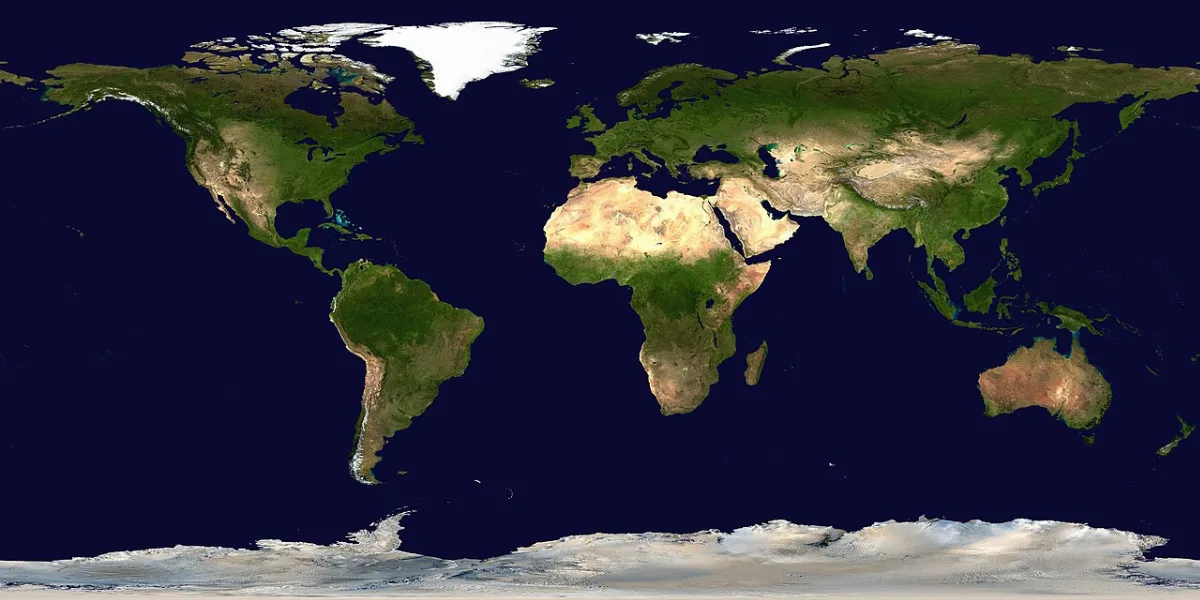
Google Earth worked by downloading pictures of the ground as you zoomed in. It started with a view of the whole planet. You typed a place into the search box, and the camera flew there, tilting as it got closer. The closer you got, the more detail it pulled down, from continents to cities to individual buildings.
You could drag to move, scroll to zoom and tilt the view to see hills and mountains in 3D. Layers added roads, place names, photos and, in many cities, simple 3D buildings. You could also save places as pins, so a lot of people built little collections of the places they'd lived, the places they wanted to go and spots where the satellite had caught something weird.
The photos weren't live. Some were months or years old, which is why your house might show a car you no longer owned or a tree that had been cut down. Nobody told you the date, so you just had to accept that your street was stuck in a different season.
Looking up your own house
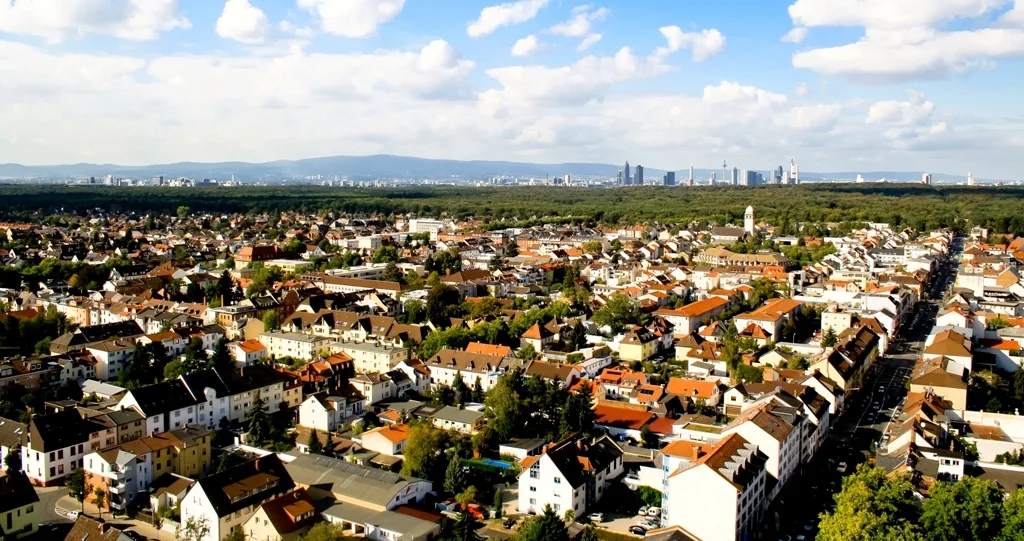
Before Google Earth, most people had never seen their home from above, so everybody looked. After that came their school, their grandparents' house, their old neighborhood and and the house of the friend who'd moved away. If the photos were taken on a sunny day, you might even see your own backyard furniture.
Then came the famous places. People flew over the pyramids, the Eiffel Tower, the Grand Canyon and Area 51. Some searched for strange sights the satellites had captured, like shapes in fields or airplanes parked in the desert.
Directions still lived on paper for a lot of people back then, the way they did with MapQuest printouts. Google Earth didn't replace those right away, but it made maps feel like something you explored.
How Google Earth was built and how it grew over 20 years. Watch on YouTube
Google Earth in the computer lab
Teachers loved Google Earth almost as much as kids did, and it shared the lab with Wikipedia and its "don't cite it" warnings. A geography lesson could start with the whole class watching the camera fly from their school to a capital city on the other side of the world. History classes looked at battlefields and ancient ruins, and science classes looked at volcanoes, glaciers and rivers from above.
It also showed up at work. Real estate agents used it to show off neighborhoods, people planning trips used it to scout hotels and the beach, and anyone moving to a new town used it to see how far the grocery store was.
The hidden flight simulator
In August 2007, Google Earth 4.2 came with a secret. A hidden flight simulator let you fly a plane over the 3D world using the keyboard or a joystick. People passed the key combination around, and it spread through schools and offices like a cheat code for the whole planet, much like the games in flash games at lunch. Crashing into the Grand Canyon on purpose was a rite of passage. A later version made it easier to find by adding it to the menu.
The same update added Sky, a mode that turned the view around to show stars and galaxies. Street View photos came into Google Earth in April 2008. Historical imagery, which let you see older photos of the same place, arrived in 2009. On July 20, 2009, the 40th anniversary of the first Moon landing, Google added the Moon. Mars was in there too, which meant you could finally check on the neighbors.
Is Google Earth still around?
Yes, Google Earth is still around. In April 2017, Google released a new version that runs in a web browser, so you don't need to download anything. It also has a timelapse feature that shows how places have changed over the decades. The program people downloaded in 2005 now opens in a tab, and looking up your own house is still the first thing most people do.
The Google Earth timeline
- 2001Keyhole releases EarthViewer to businesses
- 2004Google buys Keyhole in October
- 2005Google Earth launches for free on June 28
- 2007Version 4.2 hides a flight simulator
- 2008Street View arrives in Google Earth
- 2009Historical imagery shows up, then the Moon
- 2017A new version runs in a web browser
Everybody has their own memories on top of those dates, like waiting for blurry squares to sharpen into your street or spotting your car in the driveway in an old photo.
Some people traced their school's running track with the mouse. What was the first place you looked up? Others typed "Area 51" just to see what was there, or showed a grandparent their hometown from above and watched them go quiet.
Where you're from
Google Earth made the world feel smaller, a bit like Encarta had on the family computer a few years before. The places in your textbook turned into real places you could visit with a mouse.
FriendCrib asks for a hometown, not your exact address, and you can show off where you grew up in your About Me. Make your crib and tell your friends where you're from.
- #1 Your own house
- #2 Your school
- #3 Grandma's house
- #4 The pyramids
- #5 The Grand Canyon
- #6 Area 51
- #7 The old neighborhood
- #8 The Moon
You Might Also Remember
 When Your Crush Signed On
 Building Coasters in RollerCoaster Tycoon
 Early YouTube Had Five-Star Ratings and a 10-Minute Limit
 Blockbuster Fridays and Netflix DVDs in Red Envelopes
 Encarta and Oregon Trail on the Family Computer
 What Happened to StumbleUpon?
 Thanks for the Add and the Comments That Filled Every Profile
 Printing MapQuest Directions Before Every Road Trip
Tell your friends where you grew up on your crib.
Free, 18+ and no algorithm. Pick a profile song, rank your Top 8 and leave your friends comments.
Get Your Crib, It's Free